Dry cleaners and laundries
Every item found. Every client told.
A number and a tag for every item, stains on photo at drop-off, a WhatsApp when it's ready. The client follows their clothes with the QR on their ticket, and stops calling you to ask.



- 1tag per item, with the order number
- 14free days, no commitment
- 3languages: French, Arabic and English
A shirt comes in. The client does not call.
Follow item no. 1042, from the counter to the hand-back. Every step replaces a stub book, a lost ticket or a phone call.

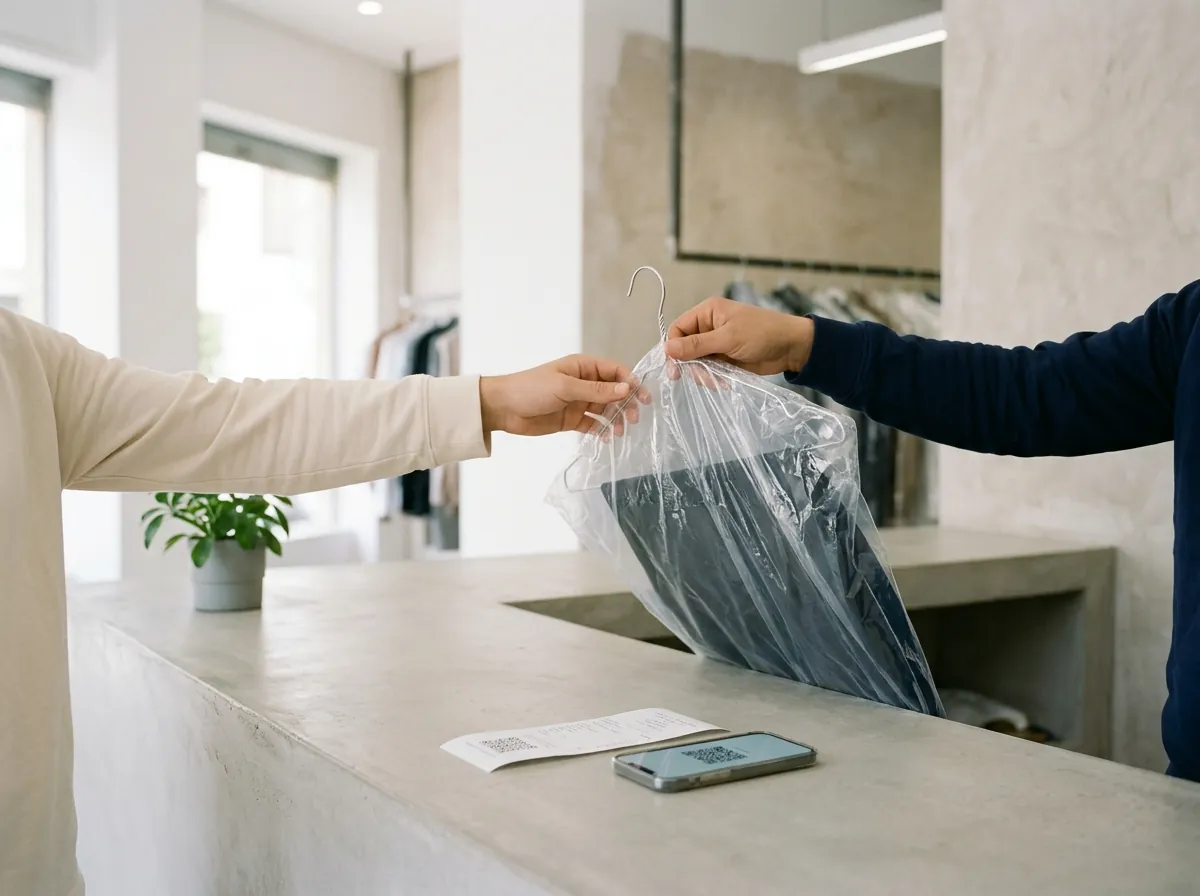
1Drop-off
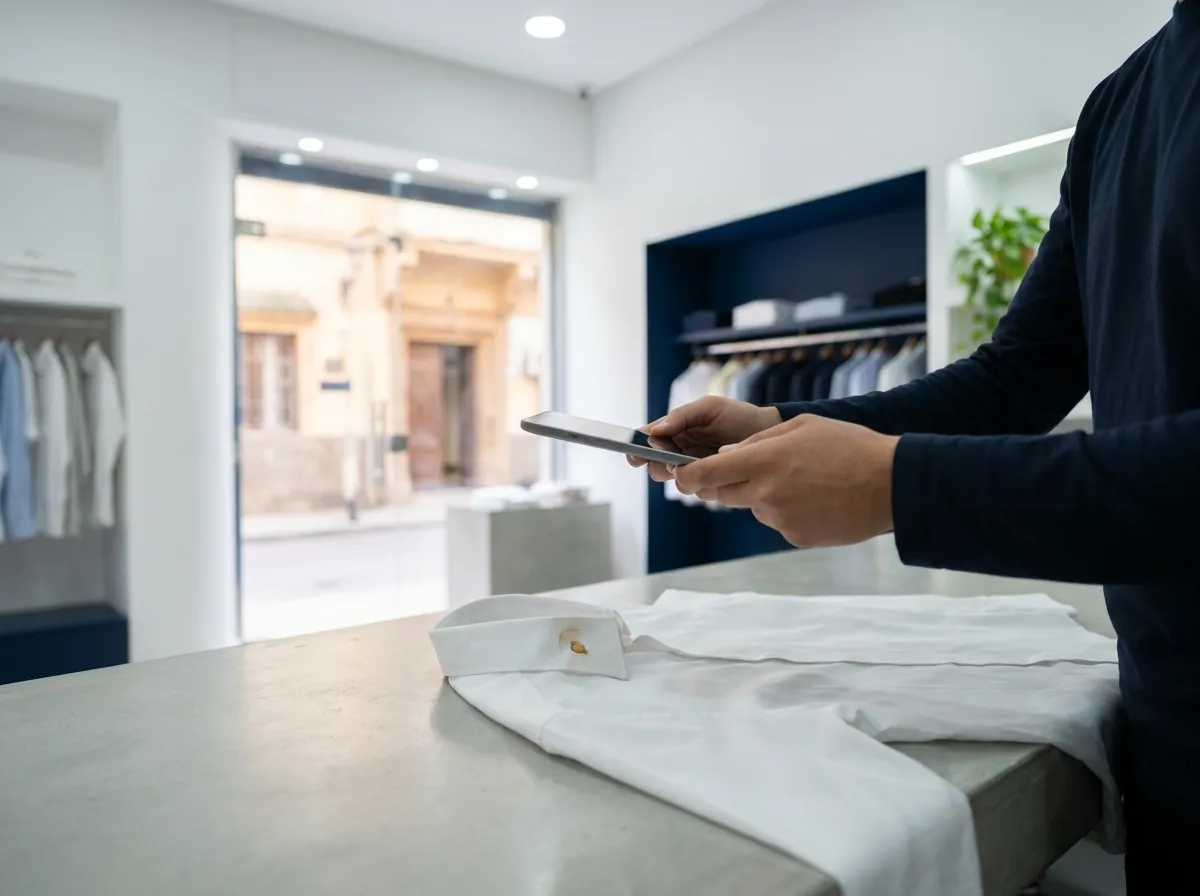
The client, their items, a note per item.
A stain the client spots at pick-up, that was already there.
Stains photographed at drop-off: proof, not an argument.
2Tag
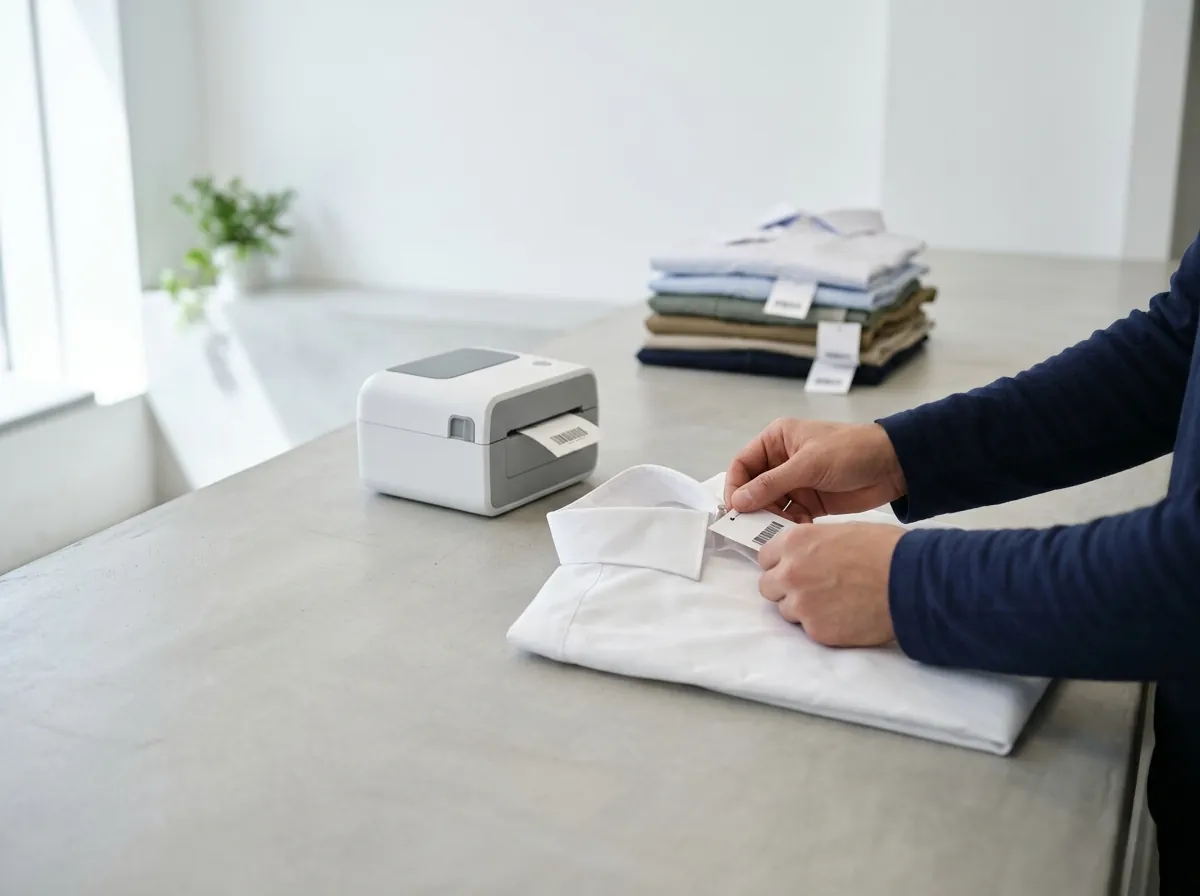
One per item: number, article, due day.
A shirt with no name, at the end of the rail.
A number and a tag for every item.
3Ready
On its rail, the client told on WhatsApp.
The phone ringing all day: “Is it ready?”
Ready: a WhatsApp in one tap, with the amount left to pay.
4Handed back
The rest taken, the order closed.
A receipt book, and a ticket the client has lost.
A QR on the ticket: the client follows their order live.
The drop-off. In thirty seconds.
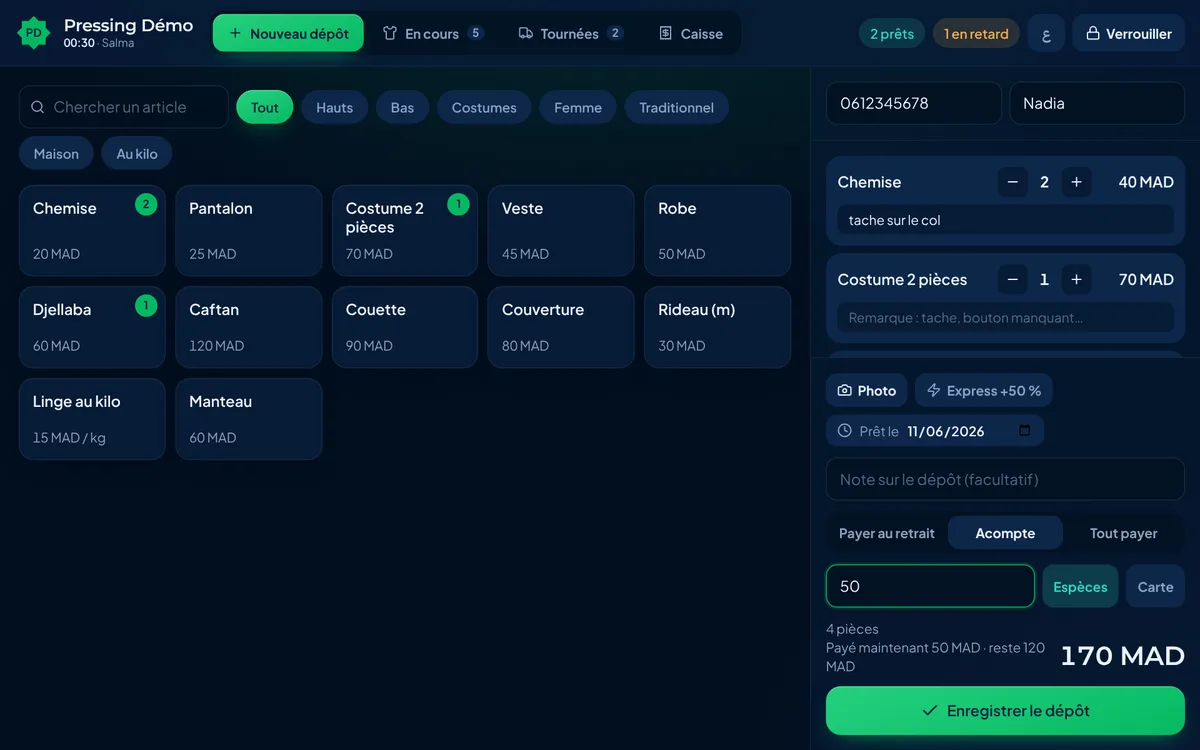
The client at the counter, their clothes on the table. You tap the articles, note the stain, take the photo. The ticket prints, and so do the tags.
Your turn: tap the articles.
Pressing Démo · POS
0,0 s
0612 345 678Nadia
- Tap an article…
Ready on —
Left 0 MAD0 MAD
Pressing Démo—
N° 1042
—
Left to pay
0 MAD
WhatsApp → NadiaYour drop-off No. 1042 is saved.
Drop-off saved in 0 s
Illustration example
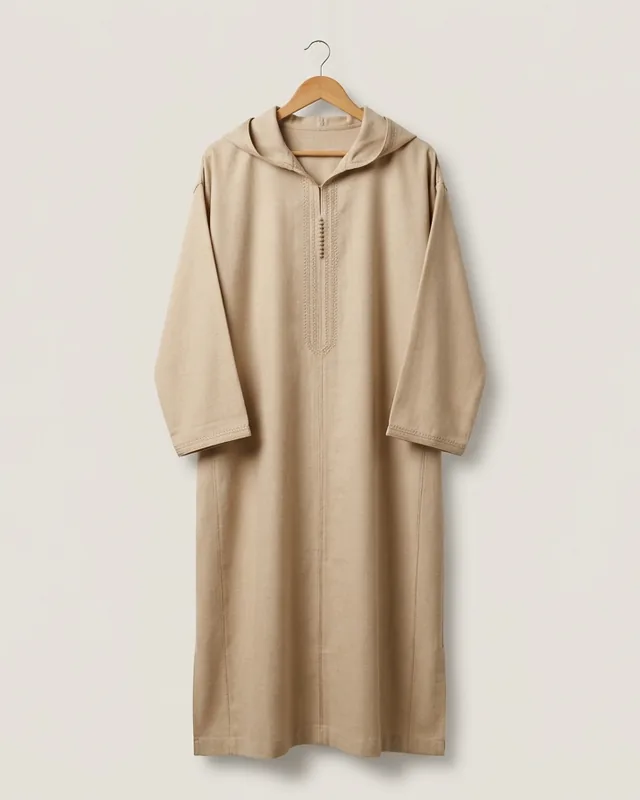
- Your price listShirt, suit, djellaba, kaftan, duvet: per item, or per kilo for laundry.
- Express and due dateA surcharge as a percentage, and the date suggested for you.
- Photos at drop-offA stain, a missing button: photographed with the tablet, kept with the order.
- Deposit or paid in fullNothing, a deposit or everything: what is left to pay is on the ticket.
- Ticket and tagsThe ticket with its QR for the client, a tag per item for the workshop.
- Ticket on WhatsAppThe client loses their ticket? They also have it on their phone.
Ready. Told. Handed back.
The order is clean: you say which rail it is waiting on, and the client gets a WhatsApp with the amount left to pay. At pick-up, the till takes the money and gives the change.
Your turn: tap a piece.
Pressing Démo09:41 · Sofia
ENNo printLock
On the rail0
Illustration example
To collect on these drop-offs0 DH
- Found in a secondBy number, phone or name, even an order handed back a month ago.
- The rail or the shelfReady on “Rail 12”: whoever hands it back knows where to look.
- LateOrders that should have been ready, in colour, before the client calls.
- Not collectedReady for 30 days or more: the list to follow up, with what is left to take.
- Piece by pieceEvery item is ticked ready on its own: “3/5 ready”. The client takes what is ready and comes back for the rest.
- Automatic WhatsAppAs an option: with your own WhatsApp Business number, the “ready” message goes out by itself. Without it, the till button is still there.
“Is it ready?” The client sees it on their own.
The QR on the ticket opens a page in your name: the order number, where it stands, the due day and what is left to pay. One button to call you, another for WhatsApp.
At the till: tap a step
Pressing Démo
N° 1042Nadia
The client can tap their phone too.
Pressing DémoReady on —
N° 1042
4 items
Left to pay
265 MAD
Scan to follow your drop-off
Illustration example
No app, no account. The client's number never shows on the page.
Prepaid credit. The client pays in advance.
The client puts money on their account at the counter and gets a bonus depending on the amount. They pay their orders with it when they come back. It is an option: nothing changes until you switch it on.
- 1They top up
- 2The bonus is added
- 3They pay with their code
Top-up at the counter
The client hands over
500 DH
Pick an amount: the tier sets the bonus.
My credit at Pressing Démo
+ 50 DH bonus
Drop-off no. 1043145 DH
2 shirts and a suit
Paid with credit
Every movement is written down
The ledger fills itself.
A bonus by tier
For example +5% from 200 DH, +10% from 500 DH, +15% from 1,000 DH. You set the tiers. The bonus is never paid out in cash.
4-digit code
The client pays with their code, so nobody else spends their credit. You can switch the code off.
Gift cards at the till
Sold with a code, then added later to a client’s credit.
Every movement is written down
Top-up, bonus, spending, refund: a ledger that cannot be changed. The report shows what you still owe your clients.
Pick-up and delivery. No notebook.
Your clients no longer have time to drop by? The driver goes to them. Every round has its address, its time and its fee, and ends up in the till.
The dry cleaner
Pick-up · Leila A.
18h–19h · 20 MAD
Receive the laundry
Hello Leila, we will come by between 6 and 7 pm.
Delivery n° 1042 · Nadia B.
12h–13h · 30 MAD
DeliveryDelivered
Pick-up · Youssef
10h · 20 MAD
Pick-ups become drop-offs at the till
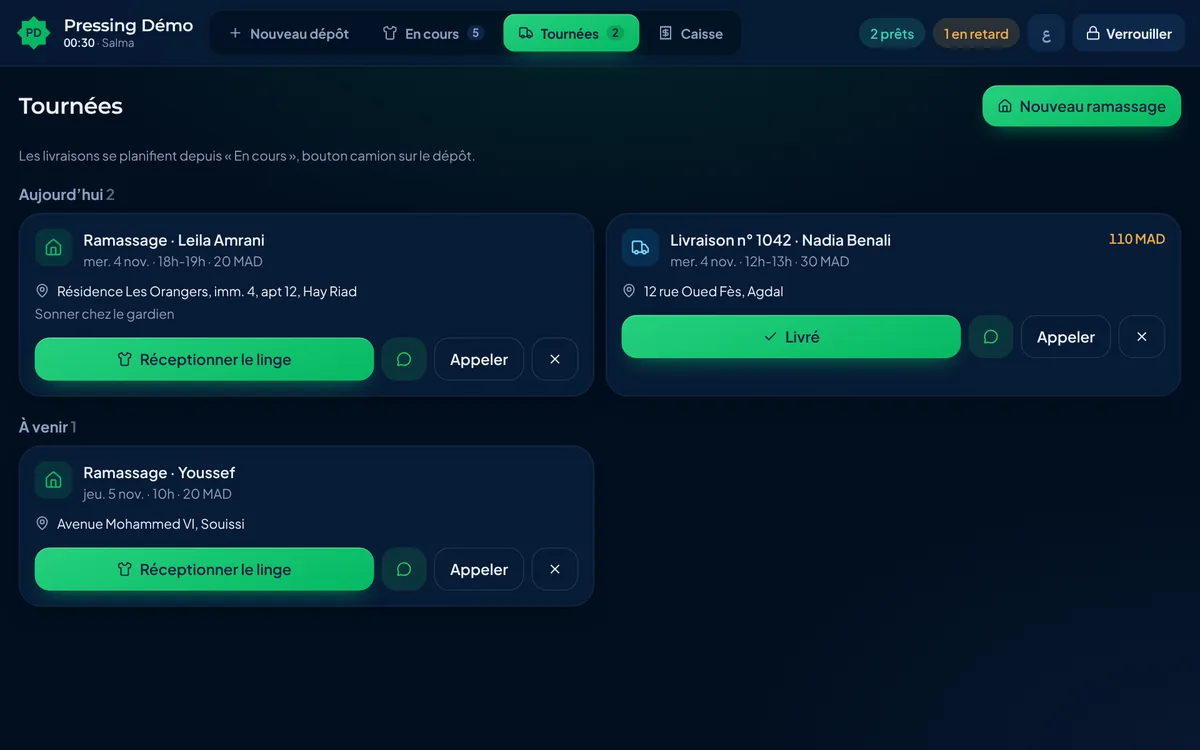
Pick-up at home
The address, the day, the time and the fee. When the driver is back, the pick-up becomes a drop-off in one tap.
Delivery
A ready order delivered to the client. The fee is added, the driver takes the rest.
The client told
A WhatsApp ready to send: “we will come by between 6 and 7 pm”.
Today's round
The day's pick-ups and deliveries, with Google Maps for every address.
Invoice
2026-11-014
On account
Customer
Riad Dar Zahia
ICE 002 481 530 000 27
November 2026
Pressing Démo
ICE 001 902 664 000 41
- 03/11Drop-off no. 1031 · 12 shirts180
- 08/11Drop-off no. 1038 · 18 sheetsHotels price324
- 14/11Drop-off no. 1052 · 9 tablecloths162
- 21/11Drop-off no. 1067 · 6 duvetsHotels price420
- 28/11Drop-off no. 1081 · 30 towelsHotels price274
Subtotal1 360 MAD
Fixed discount 10 %− 136 MAD
Total1 224 MAD
Invoice locked: it can no longer be changed.
Business clients. One invoice a month.
Hotels, riads, restaurants: their orders go “on account”. Nothing to take at the counter, and at the end of the month a single invoice for all their orders.
Business account
Nothing is taken at drop-off or pick-up. The month’s orders add up on the client’s account.
Monthly invoice
A numbered invoice with both ICE numbers, marked paid on transfer or cheque. An invoice is never changed.
Group prices
A group (“Hotels”, “Family”) has its own prices for some items. The others keep the normal price, and the till applies the right price by itself.
Fixed discount per client
A percentage for a regular or a business account. Only the manager sets it, with their code, and every change is logged.
In the evening, the till. To the dirham.
What came in at drop-off, what went out at pick-up, in cash and by card. The drawer is counted before the expected amount shows.
Pressing DémoPOS
Till openDay closed
- 09:40n° 1031 YoussefPick-upCash260
- 11:15n° 1038 SalmaDrop-offCard150
- 13:05n° 1040 KarimPick-upCash300
- 16:20n° 1044 NadiaDrop-offCard160
- 18:50n° 1047 ImanePick-upCash360
Cash0 MAD
Card0 MAD
Collected0 MAD
Count the drawer
0MAD
Expected•••
Difference− 5 MADrecorded
Z report n° 0412
Drop-offs7
Handed back4
Cash920
Card310
Difference− 5
Collected1 230 MAD
Evening summary1 230 MAD · 2 ready · 1 late
The day's till
Drop-offs, pick-ups, cash and card, payment by payment.
Blind closing
The cash is counted before the expected amount is shown. The difference is recorded.
Z report
Printed at closing: the summary of the day, for the manager.
Owner's space
From your phone: what is in the shop, ready, not collected, and what is left to take.
The evening report. On your phone.
One page a day, with nothing to count. You see what matters and what is off, without being at the shop. It is an option the manager switches on.
It arrives by itself
As soon as the day is closed, or at the hour you choose if nobody did it. Every pick-up requested online too, right away.
The day in figures
Cash and card, compared with the same day last week, orders in and out, discounts, closing.
What deserves a look
Day not closed, cash difference, an order paid then cancelled, items that left unpaid, discounts that are too high, orders never collected.
Past days
Reopen any of the last 400 days from the owner’s space.
Evening summaryPressing Démo · 22/11
Day closedCollected
0MAD
+12 % vs last week
Cash920
Card310
Drop-offs7
Handed back4
What deserves a look
Cash difference− 5 MAD
Drop-off no. 1019 paid, then cancelled
Drop-off no. 0987 never collected34 j
Past days400
0 days back
20:00
Day closed
Amplify · nowEvening summary1 230 MAD · 3 things to look at
Your clients. Yesterday’s and the ones coming back.
A file that is useful at the counter, duplicates cleaned up, and the list of those who no longer come. If you switch systems, your clients come with you.
A useful client file
Orders, total spent, last visit, what is in the shop and what is left to pay. It opens on what matters.
Duplicates merged
Two files for the same client? Merge them: nothing is deleted and you can undo. “Merge all” handles the sure cases at once.
Clients who stopped coming
Regulars who stopped coming, and what they spent in a year. A WhatsApp to call them back, 25 a day at most so your number is not blocked. You see who comes back.
Moving your data in
Your client list and your order history, from a CSV or Excel file of your old system. Nothing existing is changed, and every import can be undone.
Nadia Benkirane06 61 •• 18 42
RegularDrop-offs0
Total spent0 MAD
Last visit3 d ago
At the dry cleanerDrop-off no. 10422 items
Left to payDrop-off no. 104285 MAD
Same phone number
Nadia Benkirane06 61 •• 18 42
1821 drop-offs2 files, 1 clientNadia B.06 61 •• 18 42
3 drop-offsMerge all3 sure cases
Those who no longer come12
Samira E.94 days without a visit
1 420 MADa yearYoussef A.71 days without a visit
980 MADa yearMeryem T.63 days without a visit
760 MADa yearMMeryem T.She came back+120 MADSent today · 25 max7 / 25
ancien-systeme.xlsxCSV · Excel
Drop your CSV or Excel file
ImportingImport done
Clients0
Drop-off history0
- Nothing existing is changed
- Every import can be undoneUndo the import
How much is sleeping on your rails?
Do the maths with your own numbers. Nothing is sent, everything stays on your phone.
Every month, the money waiting on your rails instead of in your till
2 477DH
21 late orders per month29 724 DH a year
8 out of 100 collected latecollected on time
With Amplify
With Amplify, these orders are listed as soon as they linger, with the client's number and a WhatsApp ready to send.
Drop-off no. 098734 jSend the WhatsApp
Drop-off no. 101921 jSend the WhatsApp
Calculation: orders per week × 4.3 weeks × late orders × average price. How many of these clients come back sooner after a message is up to them: we promise no figure.
Card payment
The customer pays by card. At drop-off or at pick-up.
“Card (QR)” on the till: the customer scans and pays on his phone, the drop-off is paid. No terminal to rent.
- 0
- terminal to rent: the customer's phone is enough
- 0 %
- for Amplify. Only your bank's fees.
- 1
- account: yours. The money lands in your bank account.
You need CMI online payment from your bank. You paste its two codes into Amplify and it works on all your tills. We help you request it.
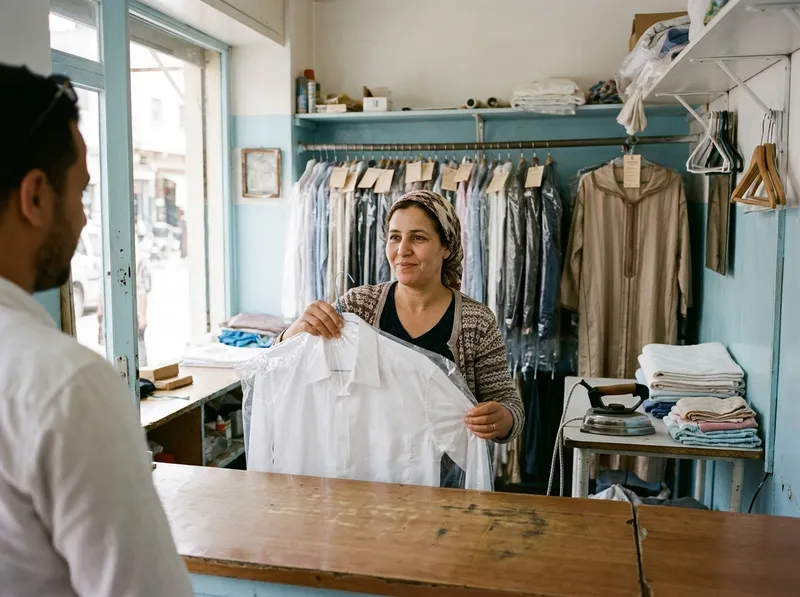

Pricing. Pick what you need.
Prices per month, excl. VAT. 14 days free, no commitment.
Drop-offs
199
DH excl. VAT / month
From drop-off to pick-up: labels, price list, ticket, late orders and the day’s till.
Try 14 days freeFull
299
DH excl. VAT / month
Plus automatic WhatsApp, pick-up and delivery, client credit, business accounts and the manager report.
Try 14 days free- 14 days free
- No commitment
- Pressing, Garage and Hanout: setup 490 DH excl. VAT, free with a yearly plan.
Frequently asked questions
-
No. They scan the QR on the ticket or open the link they got on WhatsApp. Nothing to install, nothing to create.
-
Yes. The till shows a QR code and the customer pays by card on his phone, through your own CMI account. The money lands in your bank account. Amplify takes no commission: only your bank's fees apply.
-
A tablet or a computer, and a ticket printer. The tags come out of the same printer. We advise you if you have nothing yet.
-
Yes. A per-kilo article: the till asks for the weight and works out the price. The bag counts as one item.
-
No. They stay in the shop: at the till and in your owner's space. The client only sees where their order stands.
-
Yes, with a business account: their orders go on account, with their own prices if you want, and you send them a numbered invoice at the end of the month.
-
Yes. There is no marketplace: the tracking page only shows your shop, never a competitor.
-
We do. Your price list, your team and your printer, and we show your team everything. It is free.
-
Yes, it is an option. The client tops up their account at the till and gets a bonus by tier that you set. Nothing changes until you switch it on.
-
No. You import your client list and your order history from a CSV or Excel file. Nothing existing is changed, and every import can be undone.
-
By default, you send it in one tap from the till. As an option, with your own WhatsApp Business number, it goes out by itself. Meta bills your shop directly.
-
No commitment: you stop from one month to the next. The first 14 days are free.
See it with your articles. In 15 minutes.
Message us on WhatsApp. We come to the shop, set up your price list and your team, and you try it free for 14 days.